Explain an R Error
Get a plain-English reading of an R error message and the steps that usually fix it.
Steps on this page
Steps
- In the R terminal, select the error message with the mouse, starting at
Error. - Copy it: right-click the selected message. On Windows, that copies it and nothing else appears. On a Mac, Control-click or click with two fingers on the selected message, and select Copy in the menu that opens.
- Open the Command Palette: View, then Command Palette… (or Ctrl+Shift+P; Cmd+Shift+P on a Mac).
- Type
AURA: Explain an R errorand press Enter. The copied message is already in the box. - Press Enter again.
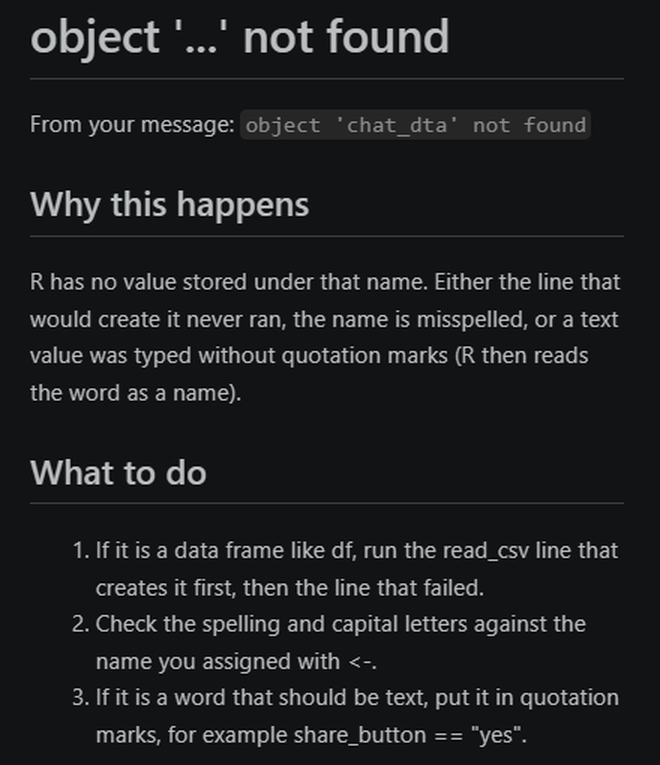
- Read Why this happens, then work through the numbered steps under What to do.
- Close the explanation: click the × on its tab, along the top of the editor.
What you should see
If it does not work
If the message is not in the list, the extension offers Copy a question for your AI tool. Paste that question into your AI tool and record the exchange in your AI Use Log.